Why PDF Security Matters More Than Ever
In 2026, almost everything we do is digital. From job applications and bank statements to business contracts and school assignments, we rely heavily on PDF files. PDFs are easy to share, look professional, and work on all devices. But there is one big problem that many people ignore — PDF security, which is why it is important to protect your PDF files before sharing them online.
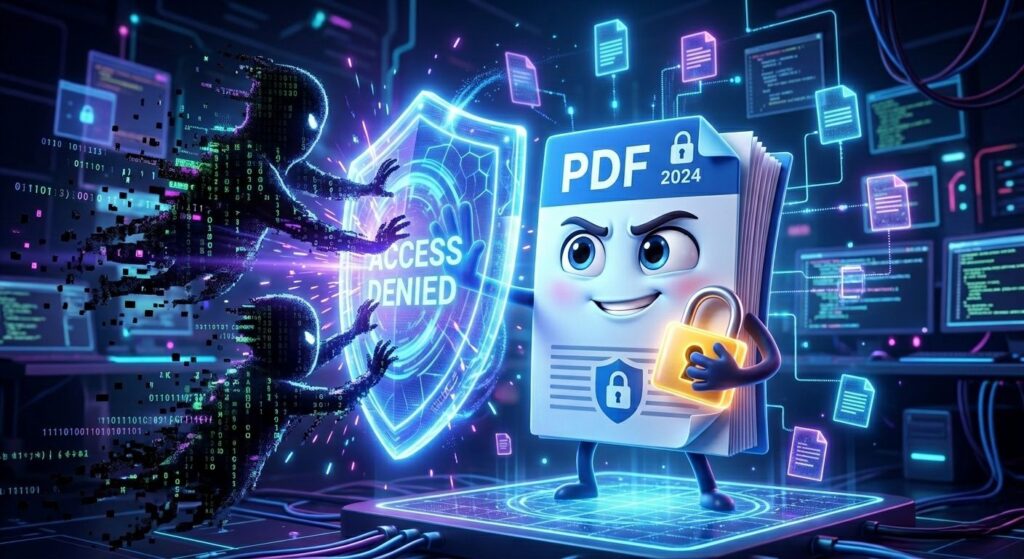
If your PDF files are not protected, anyone can open them, copy your content, edit important information, or even misuse your personal data. This is where PDF protection tools come in, helping you protect your PDF files online, control access, and keep your documents safe from unauthorized use.
If you are searching for:
- how to protect PDF files online
- how to password protect PDF free
- best PDF security tools 2026
- protect PDF from editing and copying
Then this guide is exactly what you need.
In this blog, we will explain the top 5 reasons why you should protect your PDF files using Fast2Convert’s PDF Protection Tool, along with practical examples and simple steps.
1. Protect Your Personal Data from Misuse (High Priority Security)
Today, we often share important documents online such as:
- Aadhaar card
- PAN card
- Bank statements
- Address proof
- Resume (CV)
These files contain sensitive information. If someone gets access to them, your data can be misused for fraud or identity theft.
🔐 Why This Is Dangerous
Unprotected PDF files can be:
- Opened by anyone
- Downloaded and shared
- Used without your permission
✅ Solution: Password Protect Your PDF
By using a password protect PDF online tool, you can:
- Restrict access
- Allow only authorized users
- Keep your personal data safe
💡 Example
Imagine you send your ID proof for verification. If it’s not protected, it can be forwarded anywhere. But if it has a password, only the intended person can open it.
👉 This is why secure PDF files online is one of the most searched topics today.
2. Prevent Unauthorized Access to Confidential Files
One of the biggest problems in the digital world is unauthorized file access.
Even if you trust the person you send your file to, you cannot control what happens after that. Your file can be:
- Forwarded to others
- Uploaded online
- Accessed by unknown users
✅ How Fast2Convert Helps
With Fast2Convert’s PDF Protection Tool, you can:
- Add password protection
- Control who opens your file
- Share files safely
💼 Real-Life Use Case
If you are a freelancer sending a proposal or invoice, you don’t want others to access your file. Protection ensures your file stays private.
👉 This is especially important for business documents and confidential reports.
3. Stop Editing, Copying, and Content Theft
Did you know that unprotected PDFs can be easily edited?
Yes — anyone can:
- Change your content
- Copy your text
- Print your document
- Claim your work as their own
This is a serious issue for:
- Students
- Teachers
- Content creators
- Business owners
🔐 Advanced PDF Protection Features
Using a PDF lock tool, you can:
- Disable editing
- Prevent copying
- Restrict printing
4. Secure Business and Professional Documents
If you run a business or work in an office, you deal with important files daily such as:
- Contracts
- Reports
- Client data
- Financial documents
These files are extremely sensitive. If leaked, they can cause:
- Financial loss
- Legal problems
- Loss of trust
📊 Why Businesses Need PDF Security
In 2026, data protection is not optional — it is necessary.
🔍 Trending Keywords
- secure business documents PDF
- PDF security for companies
- protect confidential files online
✅ Benefits of Using Fast2Convert
- Keeps client data safe
- Protects internal files
- Builds trust with clients
💼 Example
A company sending a contract to a client can protect the file to ensure no one else can open or edit it.
👉 This improves professionalism and data security standards.
5. Easy, Fast, and Free PDF Protection Tool
Many people think protecting files is difficult, but tools like Fast2Convert make it very simple.
⚡ Key Features
- No technical skills required
- Fast processing
- User-friendly interface
- Works online (no download needed)
🪜 Step-by-Step Guide (Highly Searched Content)
If you are searching:
- how to password protect PDF online free
- easy way to secure PDF files
Follow these steps:
- Upload your PDF file
- Set a strong password
- Choose restrictions (optional)
- Click “Protect PDF”
- Download your secured file
👉 That’s it — your file is now safe.
Bonus: Additional Benefits of Protecting PDF Files
⭐ 1. Improves Professional Image
Sending protected files shows that you care about security.
⭐ 2. Ensures Legal Safety
Important documents like agreements stay protected.
⭐ 3. Gives Peace of Mind
You don’t have to worry about misuse.
Conclusion: Start to Protect Your PDF Files Today
In today’s fast-moving digital world, ignoring file security can lead to serious problems. Whether it’s personal documents, professional files, or business data, keeping them safe should always be your priority. That’s why it is important to protect your PDF files before sharing them with anyone.
By using a reliable tool like Fast2Convert’s PDF Protection Tool, you can easily add passwords, restrict access, and prevent editing or copying. It’s a simple step that can save you from data theft, misuse, and unwanted risks.
Don’t wait for something to go wrong. Take control of your document security today and make a smart decision to protect your PDF files every time you share them online.
❓ Frequently Asked Questions (FAQs)
1. How can I protect your PDF files with a password for free?
You can easily protect your PDF files by using an online PDF protection tool like Fast2Convert. Just upload your file, set a password, and download the secured version. It’s quick, free, and does not require any technical skills.
2. Why should I protect your PDF files before sending them?
You should always protect your PDF files before sharing them because unprotected files can be opened, copied, or edited by anyone. Protection helps you control access and keeps your data safe from misuse.
3. Can I protect your PDF files from editing and copying?
Yes, most PDF protection tools allow you to restrict editing, copying, and even printing. This ensures that your content stays original and cannot be modified by others.
4. What is the best way to protect your PDF files online?
The best way to protect your PDF files online is by using a trusted tool like Fast2Convert. It allows you to add password protection and apply security restrictions in just a few simple steps.
5. Is it safe to protect your PDF files using online tools?
Yes, it is safe if you use a reliable and secure platform. Always choose trusted tools that protect your data and do not store your files permanently.
6. How do I protect your PDF files on mobile?
You can protect your PDF files on mobile by opening a browser, visiting an online PDF protection tool, uploading your file, and setting a password. The process is the same as on a computer.
7. Can I remove protection after I protect your PDF files?
Yes, you can remove protection later if you know the password. Most tools allow you to unlock your PDF files easily.