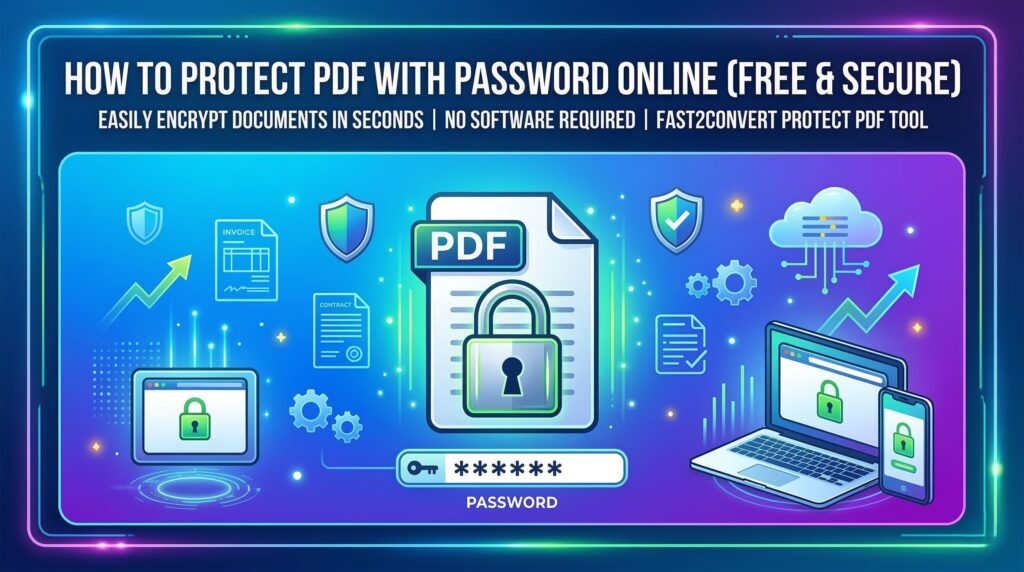
Sharing documents online is common today. From invoices and contracts to personal records, many important files are shared as PDFs.
But here’s the problem.
Anyone can open your PDF if it’s not protected.
That means your private information could be accessed by the wrong person.
The good news? You can easily protect a PDF with a password online in just a few seconds.
With the Fast2Convert Protect PDF tool, you can lock your PDF file and make sure only people with the password can open it. No software installation. No complicated steps.
In this guide, you’ll learn how to protect PDF with password, why it’s important, and how to do it quickly using a free online tool.
What is Fast2Convert Protect PDF Tool?
The Fast2Convert Protect PDF tool is a free online utility that lets you add password protection to PDF files.
When you protect a PDF with a password, the document becomes encrypted. This means:
- The file cannot be opened without the correct password.
- Your sensitive information stays safe.
- Only authorized people can access the document.
The best part is that this tool works directly in your web browser. You don’t need to download any software.
You simply upload your PDF, set a password, and download the protected file.
You can try the tool here:
https://fast2convert.com/protect-pdf/
Why Protect a PDF with a Password?
Many people think PDFs are automatically secure. But that’s not true.
If a PDF file is not protected, anyone who receives the file can open it instantly.
Password protection adds an extra layer of security.
Here are some common reasons people protect PDFs:
- Sending confidential business documents
- Sharing financial reports
- Protecting legal agreements
- Sending client files
- Sharing personal records
For example, imagine sending an invoice to a client. Without protection, the file could easily be forwarded or accessed by someone else.
Adding a password ensures that only the intended person can open the document.
Key Features of Fast2Convert Protect PDF
The Fast2Convert tool is designed to be simple, fast, and secure.
Here are some of its most useful features.
🔐 Strong Password Protection
You can add a secure password to prevent unauthorized access.
⚡ Fast Processing
The tool processes files quickly so you can download your protected PDF in seconds.
🌍 Works on All Devices
Use it on Windows, Mac, Android, or iPhone. All you need is a browser.
📁 Supports Different File Sizes
You can protect small or large PDF documents easily.
☁️ No Software Required
Everything works online. No installation needed.
🆓 Free to Use
The tool is completely free and accessible worldwide.
How to Protect PDF with Password (Step-by-Step Guide)
Protecting your PDF file only takes a few simple steps.
Step 1: Open the Tool
Go to the Fast2Convert Protect PDF page:
https://fast2convert.com/protect-pdf
Step 2: Upload Your PDF File
Click the Upload File button and select the PDF you want to protect.
You can upload documents from your computer or device.
Step 3: Enter a Password
Now type the password you want to use.
Make sure it is strong and easy for you to remember.
Example of a strong password:
- Mix letters and numbers
- Use symbols if possible
- Avoid common words
Step 4: Click “Protect PDF”
After entering the password, click the Protect PDF button.
The tool will start encrypting your document.
Step 5: Download the Protected File
Once the process is complete, download your new password-protected PDF.
Now your document can only be opened using the password.
Benefits of Protecting Your PDF Files
Adding a password to your PDF offers several advantages.
1. Protect Sensitive Information
Documents like contracts, invoices, and reports often contain confidential information.
Password protection keeps this data safe.
2. Prevent Unauthorized Access
Only people with the password can open the file.
This prevents accidental or unwanted access.
3. Safe Document Sharing
You can safely share PDFs through email, cloud storage, or messaging apps.
4. Maintain Professional Security
Businesses often protect files before sending them to clients or partners.
It shows professionalism and attention to data security.
5. Reduce Data Risks
Password protection reduces the risk of data leaks or misuse.
Who Can Use This Tool?
The Fast2Convert Protect PDF tool is useful for many different users.
Business Professionals
Accountants, consultants, and managers often send sensitive documents.
Password protection keeps these files secure.
Freelancers
Freelancers share contracts, invoices, and client documents regularly.
Protecting PDFs ensures privacy.
Students
Students can protect assignments, research papers, or academic files.
Legal Professionals
Lawyers often send confidential legal documents that must remain secure.
Everyday Users
Anyone who wants to keep personal files private can use this tool.
Why Choose Fast2Convert Protect PDF?
There are many online PDF tools available. However, Fast2Convert offers several advantages.
Simple and Easy Interface
You don’t need technical knowledge. The tool is designed for beginners.
No Registration Required
You can use the tool instantly without creating an account.
Fast Processing
Your file is processed in seconds.
Secure File Handling
Your uploaded files are processed safely.
Works Anywhere
You can use the tool from anywhere in the world.
Online Tool vs Desktop Software
Many people wonder whether to use online tools or desktop software for PDF protection.
Here is a quick comparison.
| Feature | Online Tool | Desktop Software |
|---|---|---|
| Installation | Not required | Required |
| Ease of use | Very easy | Moderate |
| Device compatibility | All devices | Limited |
| Cost | Usually free | Often paid |
| Speed | Instant | Slower setup |
For most users, online tools are the fastest and easiest option.
Frequently Asked Questions (FAQs)
1. How to protect PDF with password online?
You can protect a PDF by uploading it to an online tool like Fast2Convert, entering a password, and downloading the encrypted file.
2. Is it safe to password protect a PDF online?
Yes, trusted online tools use encryption and secure file processing to keep your documents safe.
3. Can I password protect a PDF for free?
Yes. Many online tools, including Fast2Convert, allow you to add password protection to PDFs for free.
4. Do I need software to protect a PDF?
No. You can use browser-based tools that work directly online without installing software.
5. Can password protection stop people from copying my PDF?
Password protection prevents unauthorized users from opening the file. Some tools also allow permission settings.
6. What happens if I forget the PDF password?
If you forget the password, the file may not be accessible unless you use a PDF password recovery tool.
7. Can I protect multiple PDFs at once?
Some tools allow batch processing, but most free tools protect one file at a time.
8. Does password protection change PDF quality?
No. The document content remains exactly the same.
9. Can I share a password-protected PDF?
Yes. You can send the file normally and share the password separately with the recipient.
10. Is password protection enough for document security?
Password protection is a strong first step. For highly sensitive files, combine it with secure sharing methods.
If you are wondering how to protect PDF with password, the process is actually very simple and only takes a few seconds. Password protection helps keep your documents safe from unauthorized access, especially when you share files through email or cloud storage. To learn how to protect PDF with password, you can use an online tool like the Fast2Convert Protect PDF tool. Just upload your PDF file, enter a strong password, and click the protect button. The tool will instantly encrypt your document and create a secure version that only people with the password can open. This is one of the easiest ways to protect confidential files such as invoices, contracts, reports, or personal documents while sharing them online.
Protect Your PDF Files in Seconds
Keeping your documents secure doesn’t have to be complicated.
With the Fast2Convert Protect PDF tool, you can add password protection to your files in just a few clicks.
No downloads.
No technical skills required.
And completely free.
👉 Try the tool now:
https://fast2convert.com/protect-pdf/
Protect your important PDFs and share them with confidence.