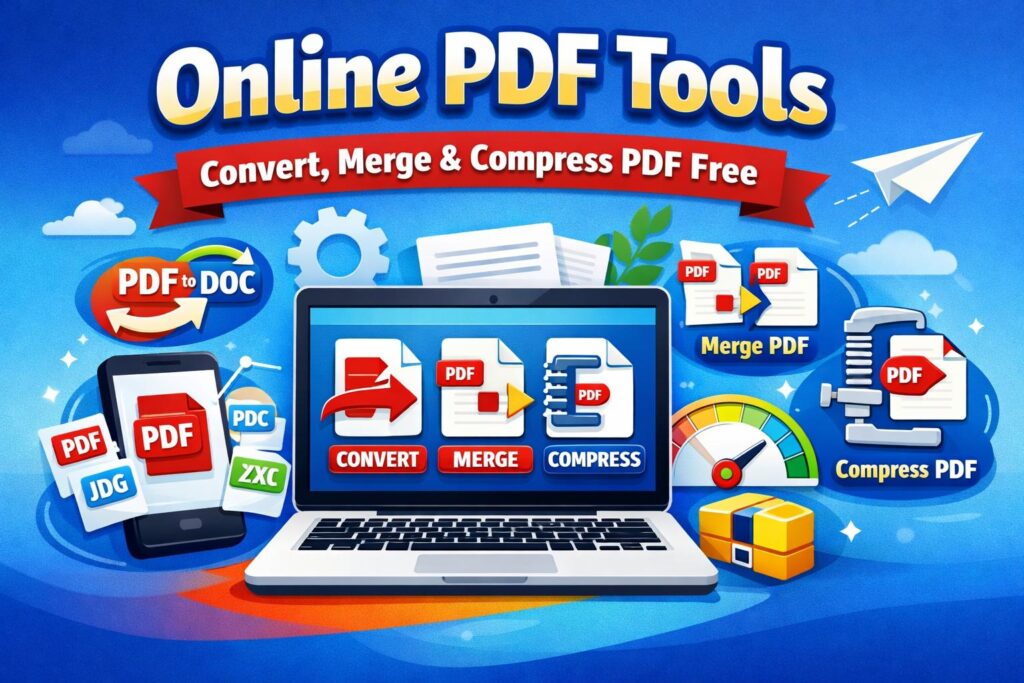
Online PDF tools have become essential in today’s digital world. Whether you are a student, office employee, freelancer, or business owner, you often need to convert, merge, compress, or edit PDF files quickly. This is where online PDF tools help you save time and work more efficiently.
Fast2Convert offers a collection of free online PDF tools that work directly in your browser. No software installation, no registration, and no technical knowledge required.
What Are Online PDF Tools?
Online PDF tools are web-based utilities that allow users to manage PDF documents easily. These tools run on the browser and help users perform tasks like:
- Convert PDF to other formats
- Merge multiple PDF files
- Compress large PDF files
- Split PDF pages
- Convert images to PDF
Using online PDF tools means you don’t need expensive software or high-end systems.
Why Use Online PDF Tools Instead of Software?
Many users still rely on offline software, but online PDF tools are much more convenient.
Key Benefits
- ✅ No installation required
- ✅ Works on mobile, tablet & desktop
- ✅ Saves storage space
- ✅ Fast processing
- ✅ Easy to use for beginners
Fast2Convert online PDF tools are designed to give maximum performance with minimum effort.
Top Online PDF Tools Available on Fast2Convert
1. PDF Converter
Convert PDF files to Word, JPG, PNG, or other formats with just one click. Our online PDF converter keeps formatting accurate and text readable.
2. Merge PDF Files
Need to combine multiple PDFs? The merge PDF tool helps you join files in seconds without losing quality.
3. Compress PDF Online
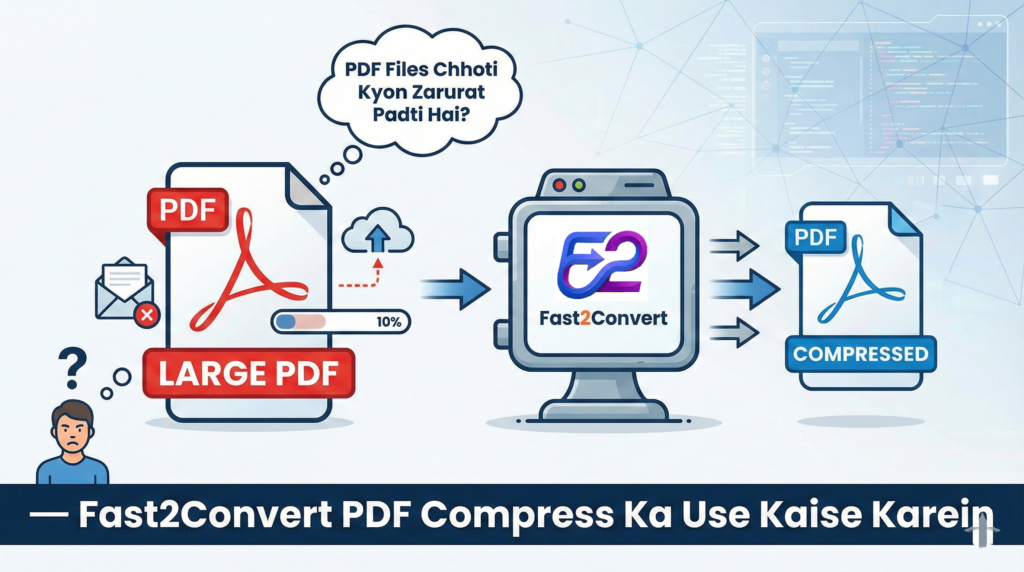
Large PDF files are hard to upload and share. Use our PDF compression tool to reduce file size while maintaining quality.
4. JPG to PDF Converter
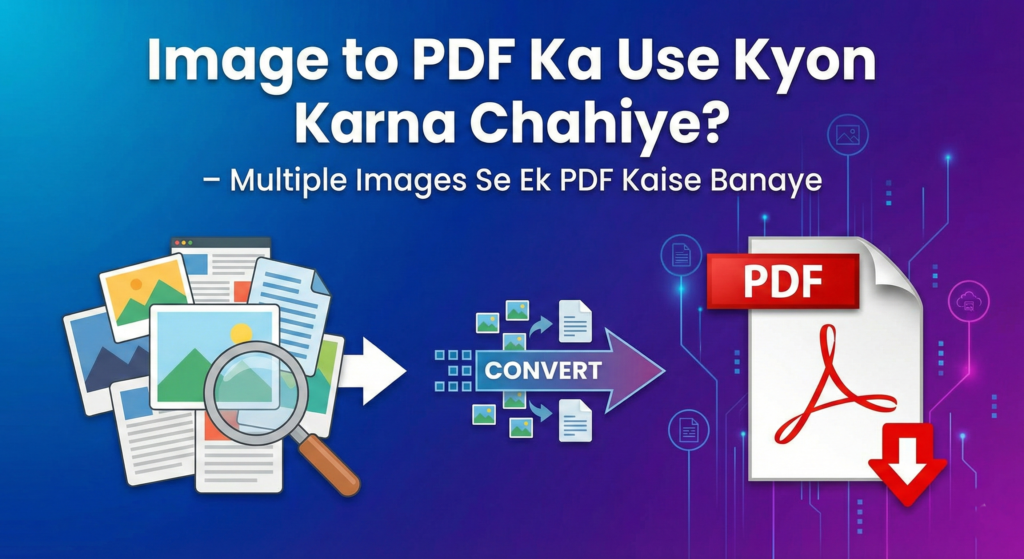
Convert images into professional-looking PDF documents instantly using our image to PDF converter.
Is It Safe to Use Online PDF Tools?
Yes, Fast2Convert focuses on user privacy and data security.
- Files are processed securely
- No manual access to documents
- Files are not stored permanently
This makes Fast2Convert a safe choice for online PDF tools.
Who Can Use Online PDF Tools?
Online PDF tools are useful for everyone:
- 👨🎓 Students submitting assignments
- 🧑💼 Office professionals
- 👩💻 Freelancers & designers
- 🏢 Small businesses
- 📄 Government & documentation work
Fast2Convert tools are created to help real users with real problems.
How to Use Online PDF Tools on Fast2Convert
Using our online PDF tools is simple:
- Open Fast2Convert
- Select the required PDF tool
- Upload your file
- Click convert / merge / compress
- Download the result instantly
No login, no waiting, no confusion.
Why Choose Fast2Convert for Online PDF Tools?
There are many PDF tools online, but Fast2Convert stands out because:
- ⚡ Fast performance
- 🧠 Clean & simple interface
- 📱 Mobile-friendly design
- 🔒 Secure file handling
- 💯 Free to use
We continuously improve our tools based on user needs and feedback.
Conclusion
If you are looking for reliable online PDF tools, Fast2Convert is the perfect solution. From converting and merging PDFs to compressing files, everything is available in one place.
Start using Fast2Convert online PDF tools today and manage your documents faster, smarter, and easier.
❓ Frequently Asked Questions (FAQ)
Frequently Asked Questions (FAQ)
Is it safe to compress PDF files online?
Yes, Fast2Convert uses secure processing and does not permanently store your uploaded files.
Will compression reduce PDF quality?
Our tool balances size and clarity, ensuring text remains sharp and readable after compression.
Can I reduce PDF to a specific size like 100KB or 200KB?
Yes, you can choose target file sizes such as 100KB or 200KB depending on your upload requirement.
How long does it take to compress a online PDF Tools ?
MostPDF files are compressed within a few seconds, depending on file size and internet speed.
Is there any file size limit for compression?
You can upload standard PDF files, but extremely large files may take slightly longer to process.
Do I need to create an account?
No, Fast2Convert allows you to use PDF tools without sign-up or registration.
Can I compress scanned PDF documents?
Yes, scanned documents can also be compressed while maintaining readability.
Does the tool work on all devices?
Yes, Fast2Convert works on desktop, laptop, tablet, and mobile browsers.
Will my document formatting change after compression?
No, the layout and formatting remain intact after processing.
Can I compress multiple PDF files?
Yes, you can compress files one by one quickly and efficiently.