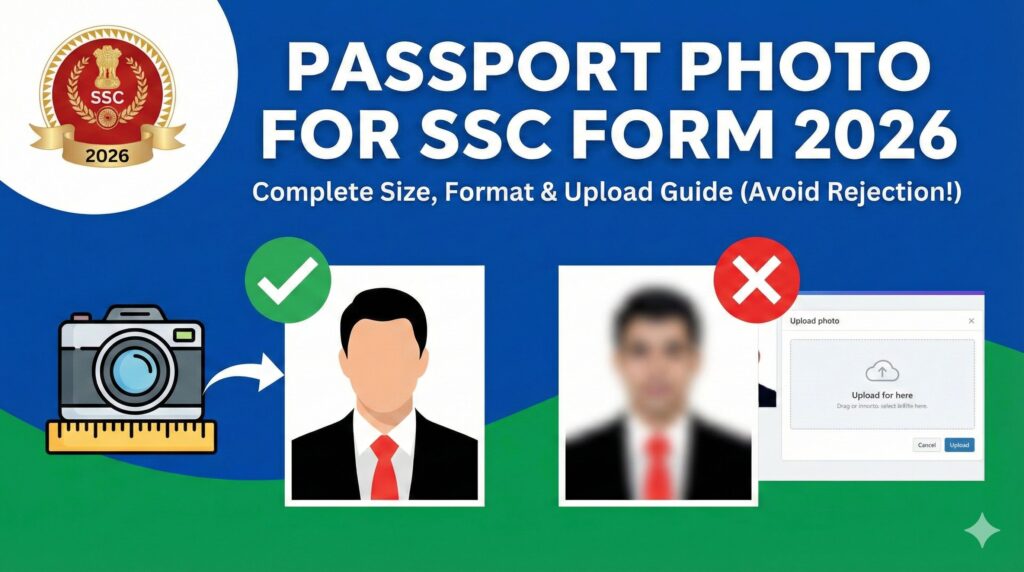
Filling out an SSC application form? One small mistake in your passport photo for SSC form can lead to rejection. Every year, thousands of candidates face issues because their SSC photo size, background, or format doesn’t meet official guidelines.
If you’re searching for:
- SSC passport size photo requirements
- SSC photo size in KB
- How to upload photo in SSC form
- Passport photo for SSC CGL, CHSL, GD
This complete 2026 guide will help you create and upload the correct photo without stress.
You can instantly create a compliant SSC passport photo here:
👉 https://fast2convert.com/passport-photo-maker/
Let’s make sure your application gets accepted the first time.
🔥 Why SSC Passport Photo Requirements Are So Strict
The Staff Selection Commission (SSC) conducts major exams like:
Since lakhs of candidates apply, SSC uses strict image verification rules to maintain uniformity and prevent identity issues.
Common reasons for rejection include:
- Incorrect photo size
- Wrong background color
- Blurry or low-resolution image
- Face not clearly visible
- Improper cropping
That’s why understanding passport photo for SSC form guidelines is crucial.
📏 SSC Passport Photo Size & Format (2026 Updated Guide)
While exact specifications may vary slightly per notification, the general SSC photo requirements are:
📌 SSC Photo Size in Pixels
- Usually 100 x 120 pixels (check notification)
- Must be recent photograph
📌 SSC Photo Size in KB
- Typically between 20 KB to 50 KB
- JPEG/JPG format
📌 Background Color
- Light or white background
- No shadows
📌 Face Visibility
- Full face visible
- Neutral expression
- No sunglasses
- No heavy filters
Always check the specific SSC notification, but these are common requirements.
🖼 What Type of Passport Photo Is Accepted for SSC Form?
Your SSC passport size photo must:
- Be recently taken
- Show clear front-facing pose
- Have proper lighting
- Avoid red-eye effect
- Be cropped properly
- Follow file size limit
Avoid using:
- Old scanned photos
- Selfies with tilted angle
- Group photos cropped poorly
- Edited or beautified pictures
SSC image verification is automated and strict.
🚀 How to Create Passport Photo for SSC Form (Step-by-Step)
You don’t need Photoshop or studio editing. Follow this simple process.
Step 1: Take a Proper Photo
Use your smartphone camera with:
- Natural daylight
- Plain white wall background
- No harsh shadows
- Straight posture
- Neutral expression
Rear camera gives better quality than front camera.
Step 2: Upload to Passport Photo Maker Tool
Go to:
👉 https://fast2convert.com/passport-photo-maker/
Upload your image directly from mobile or laptop.
Step 3: Select Correct Dimensions
Choose the required:
- Passport size format
- Custom pixel size if SSC specifies
- White background option
The tool automatically resizes and aligns the face properly.
Step 4: Adjust & Crop Precisely
Ensure:
- Head is centered
- Proper top and side margins
- No excessive space
Proper cropping avoids SSC rejection.
Step 5: Download in Correct File Size (KB Limit)
If SSC requires 20 KB–50 KB:
- Adjust image compression
- Use optimized download format
- Maintain clarity while reducing size
If needed, you can use internal tools like:
- Compress PDF (for form upload)
- Crop PDF (for document alignment)
- Protect PDF (for secure submission)
Internal linking between tools improves workflow and SEO strength.
📲 How to Upload Passport Photo in SSC Form Without Error
While filling SSC form:
- Click upload photo section
- Select correct JPEG file
- Ensure size matches KB requirement
- Preview image before submission
- Confirm clarity
Never upload without previewing.
⚠ Common Mistakes That Cause SSC Photo Rejection
Avoid these errors:
- ❌ Blurred photo
- ❌ Overexposed lighting
- ❌ Incorrect dimensions
- ❌ Wrong file format (PNG instead of JPG)
- ❌ File size exceeding limit
- ❌ Face partially cut
Even a small mismatch can result in application cancellation.
🎯 Why Use Online Passport Photo Maker for SSC?
Creating SSC photo manually is risky.
Using a smart tool gives:
- ✔ Correct SSC photo dimensions
- ✔ Auto background adjustment
- ✔ Proper cropping guide
- ✔ File size optimization
- ✔ High clarity output
- ✔ Mobile-friendly editing
It saves time and reduces rejection risk.
👨🎓 Who Needs This Guide?
This is helpful for:
- SSC CGL aspirants
- SSC CHSL candidates
- SSC GD applicants
- Government job seekers
- First-time SSC form fillers
Lakhs of students search for correct SSC photo instructions every year.
📷 SSC Signature & Thumb Impression Requirements (Bonus Tip)
Many SSC forms also require:
- Signature upload
- Left thumb impression
General guidelines:
- Clear scan
- Black/blue ink signature
- Proper cropping
- File size within limit
Always prepare all images before starting the application.
🧠 Pro Tips for Perfect Passport Photo for SSC
Follow these expert tips:
- Wear simple formal clothing
- Avoid caps and headwear (unless religious)
- Keep hair away from face
- Maintain neutral expression
- Stand straight against white wall
- Use high-resolution camera
Small attention to detail makes a big difference.
📌 Digital Photo vs Studio Photo for SSC
| Feature | Online Tool | Studio Visit |
|---|---|---|
| Cost | Low | Higher |
| Time | Instant | Travel required |
| Editing Control | Full | Limited |
| Format Adjustment | Easy | Manual request |
| Convenience | High | Medium |
Online method is faster and flexible.
❓ Frequently Asked Questions (SSC Photo Related)
1. What is the photo size for SSC form?
Generally between 20 KB to 50 KB in JPEG format, but always check the specific notification.
2. Can I use mobile photo for SSC application?
Yes, if resized and formatted correctly.
3. What background is required for SSC photo?
Light or white background without shadows.
4. Is selfie allowed for SSC form?
Yes, if properly aligned and clear.
5. What happens if photo is rejected?
Your application may be cancelled or marked incomplete.
6. Can I edit SSC photo after submission?
No, once submitted it cannot be changed.
7. Does SSC require recent photograph?
Yes, usually recent photo is mandatory.
8. Which format is accepted?
JPEG/JPG format.
📈 Why This Matters in 2026
With increased digital verification, image checking systems are stricter than before. Even automated tools scan for:
- Face proportion
- Background color
- Pixel quality
- File size
So accuracy is more important than ever.
🎯 Final Thoughts
Submitting the correct passport photo for SSC form is not just a small step — it’s a critical part of your application. A minor error can delay your dream government job opportunity.
Take a few minutes to create a properly formatted, high-quality Passport Photo for SSC. It’s worth the effort.
🚀 Create Your Passport Photo for SSC Now
Don’t risk rejection due to incorrect size or format.
Fast. Accurate. Application-ready.
Prepare smart. Apply confidently. 📸